← All tutorials 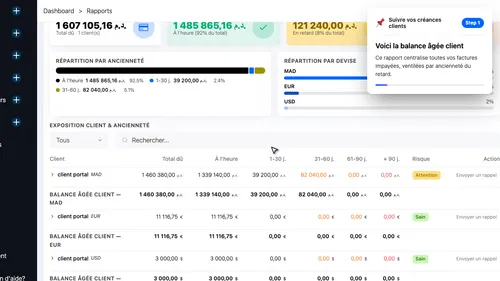 1
1 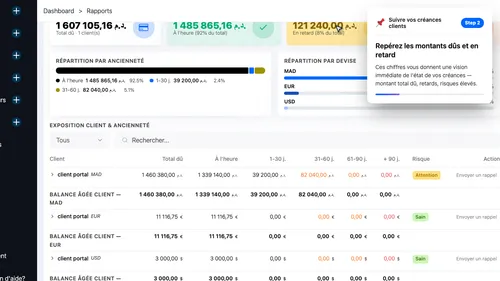 2
2 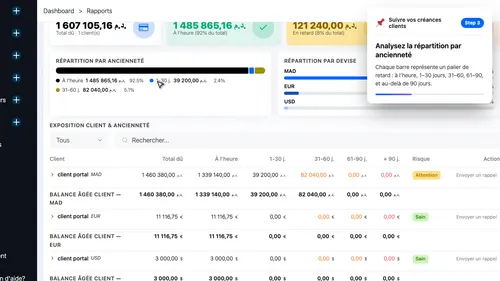 3
3 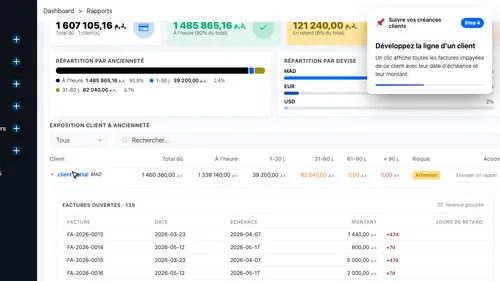 4
4 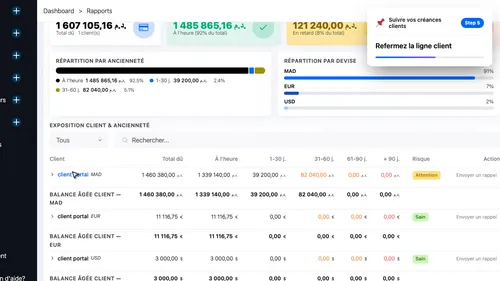 5
5 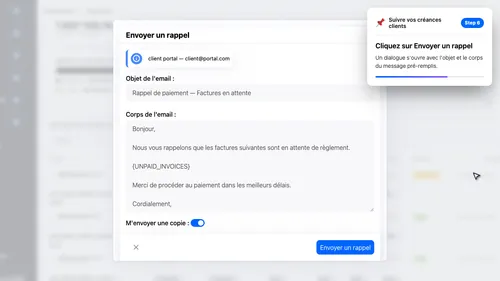 6
6 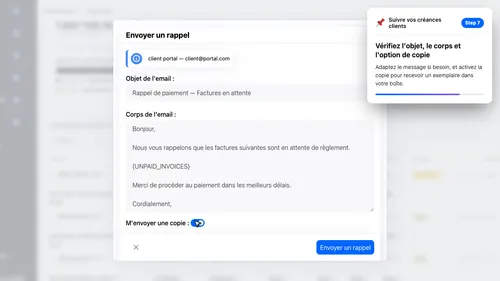 7
7 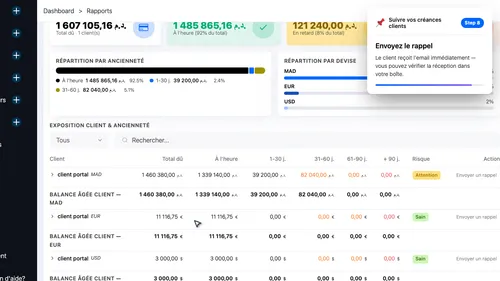 8
8 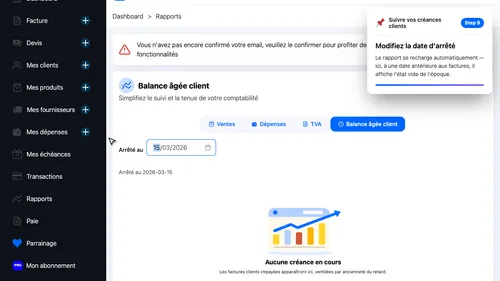 9
9
Track overdue invoices with the aged balance report
Monitor your receivables in real time, spot at-risk clients, and send payment reminders in one click.
- Report Overview — This report centralises all your unpaid invoices, broken down by how long they have been outstanding.
- Key Metrics — These figures give you an instant picture of your receivables — total owed, overdue amounts, and high-risk exposure.
- Aging Distribution — Each bar represents an aging band: on time, 1–30 days, 31–60, 61–90, and over 90 days overdue.
- Client Detail — One click reveals every unpaid invoice for that client, with due date and amount.
- Collapse Detail — Collapse the client row
- Open the Reminder Dialog — A dialog opens with the subject and body already filled in.
- Customise the Reminder — Adjust the message if needed, and turn on CC to receive a copy in your own inbox.
- Send and Confirm — The client receives the email straight away — you can verify delivery in your mailbox.
- Change the Reference Date — The report reloads automatically — here, a date before any invoices existed shows the empty state of that period.
1 2 3 4 5 6 7 8 9