← All tutorials 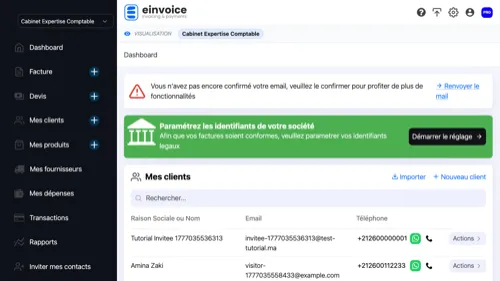 1
1 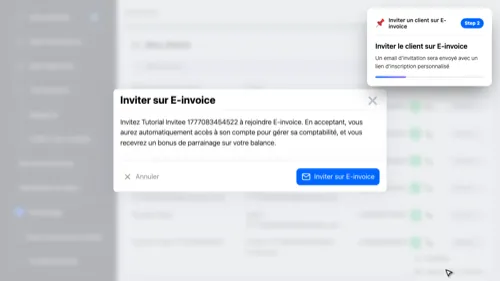 2
2 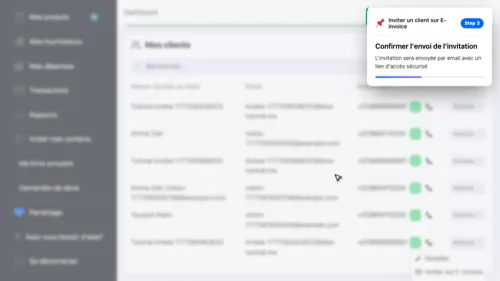 3
3 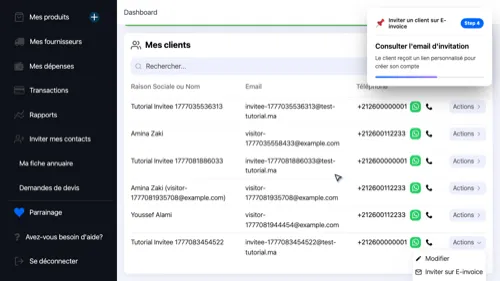 4
4 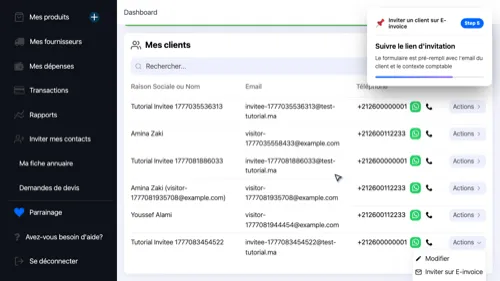 5
5 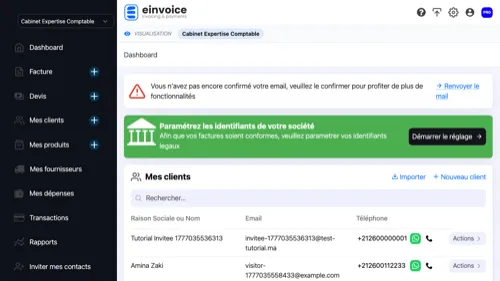 6
6 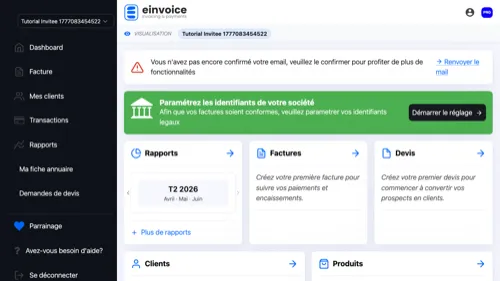 7
7
Invite a client to E-invoice
Invite your clients to join E-invoice to collaborate and manage accounting together
- Open Client List — This is where you manage your clients and send invitations
- Send an Invitation — An invitation email will be sent with a personalized registration link
- Confirm the Invitation — The invitation will be sent by email with a secure access link
- Invitation Email — The client receives a personalized link to create their account
- Registration via the Link — The form is pre-filled with the client's email and accounting context
- Create the Account — The client creates their account — you will have access automatically
- Access the Client Account — As an accountant, you can switch to your client's account and view their data
1 2 3 4 5 6 7