← All tutorials 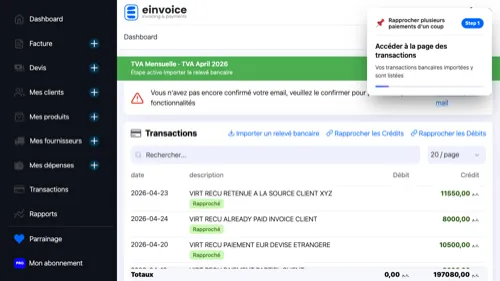 1
1 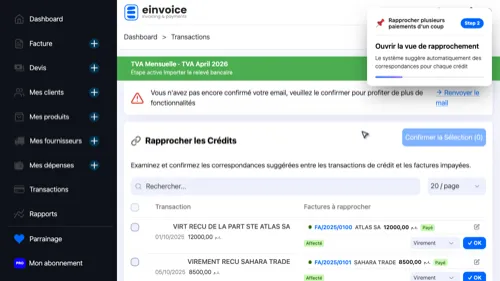 2
2 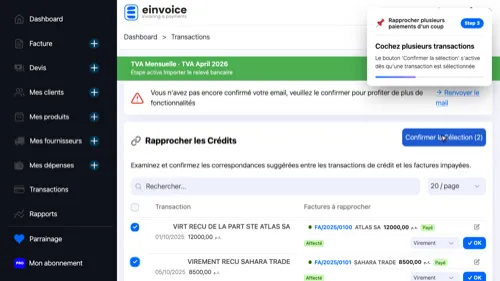 3
3 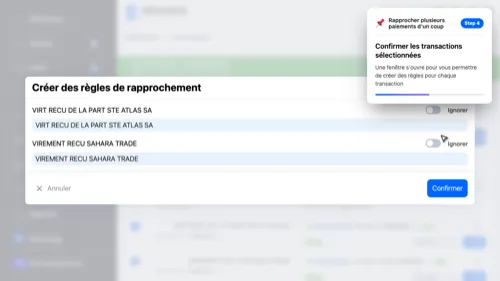 4
4 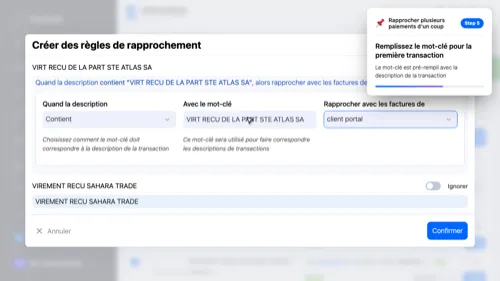 5
5 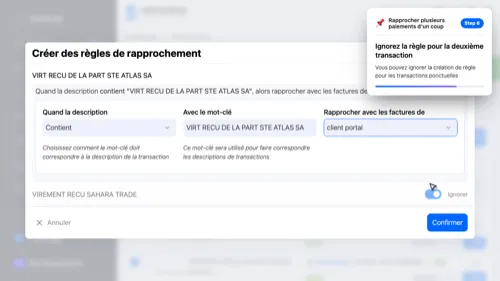 6
6 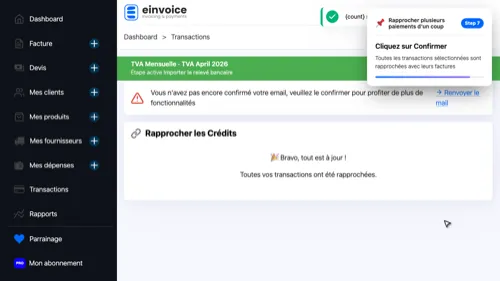 7
7 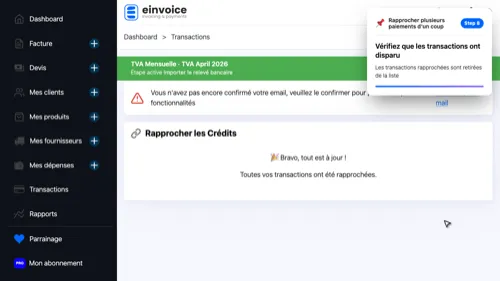 8
8
Bulk bank reconciliation
Save time by reconciling multiple bank transactions with invoices in one operation
- Open Transactions — Your imported bank transactions are listed here
- Start Reconciliation — The system automatically suggests invoice matches for each credit
- Select Transactions — The 'Confirm Selected' button activates as soon as a transaction is selected
- Click 'Confirm Selected' — A dialog opens to let you create rules for each transaction
- Fill in the Rule — The keyword is pre-filled with the transaction description
- Skip a Rule — You can skip rule creation for one-time transactions
- Confirm All Reconciliations — All selected transactions are reconciled with their invoices
- Reconciliations Confirmed — Reconciled transactions are removed from the list
1 2 3 4 5 6 7 8