← All tutorials 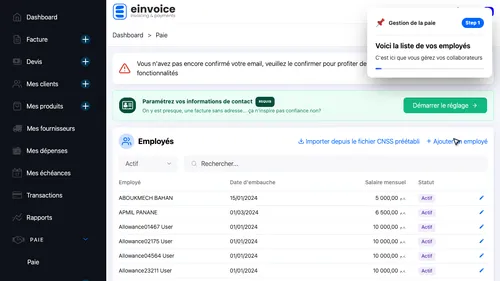 1
1 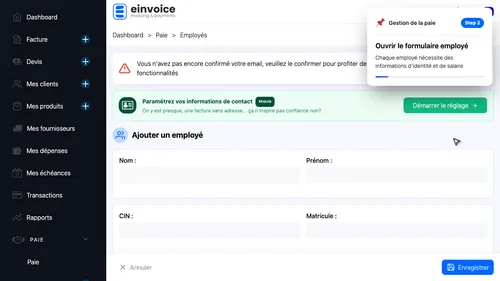 2
2 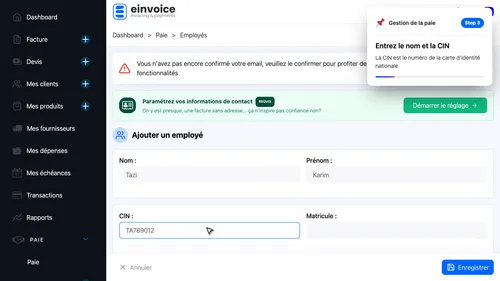 3
3 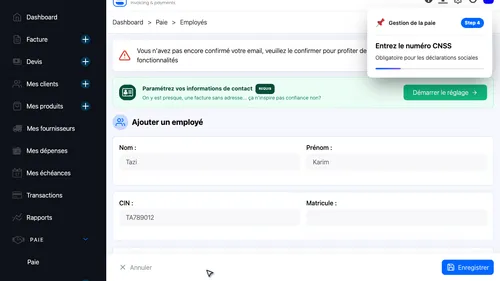 4
4 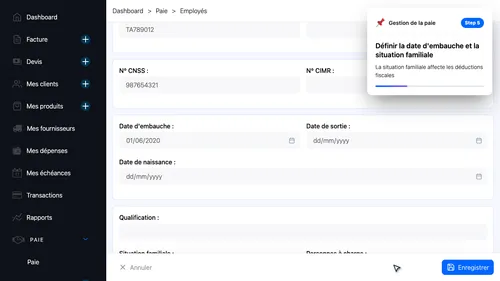 5
5 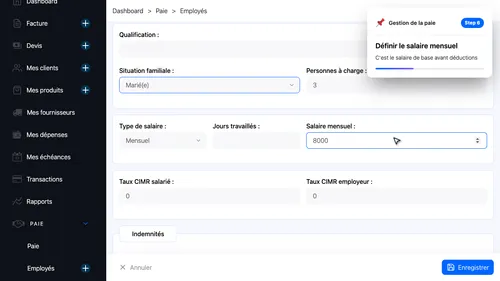 6
6 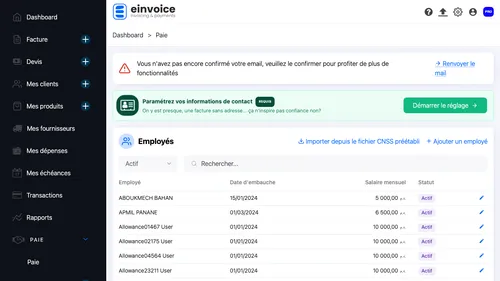 7
7 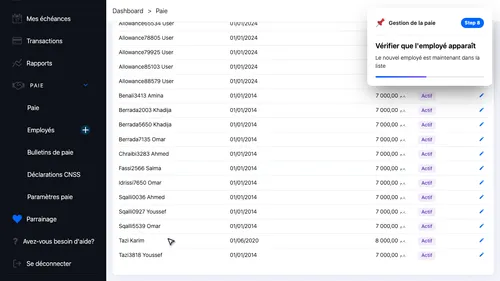 8
8 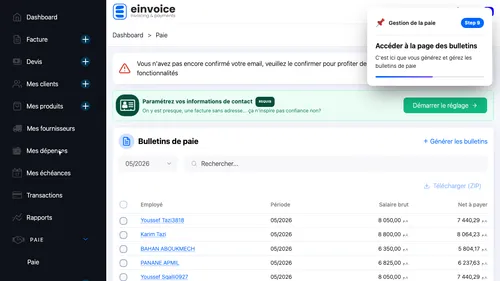 9
9 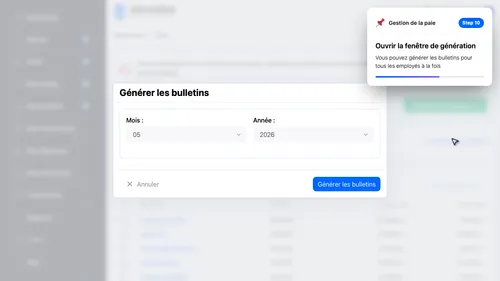 10
10 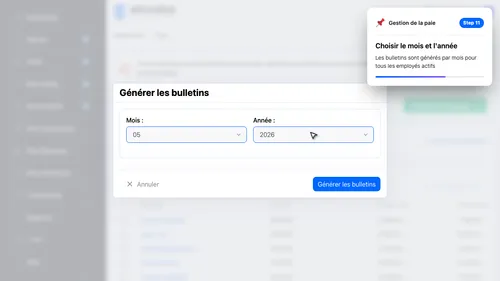 11
11 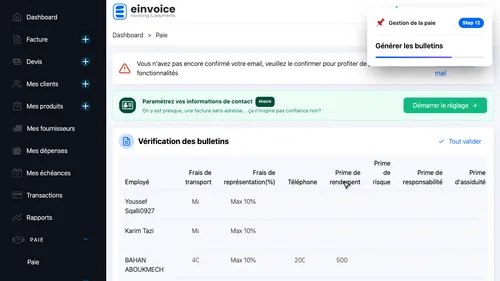 12
12 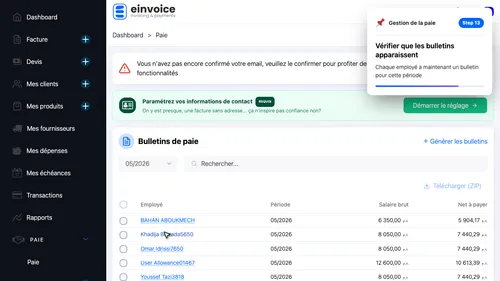 13
13  14
14  15
15 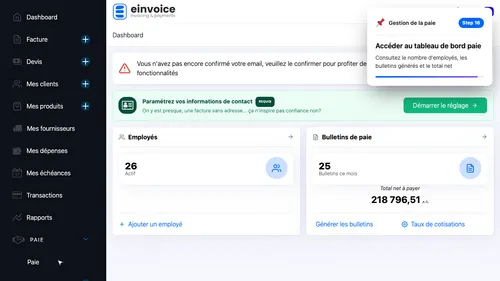 16
16 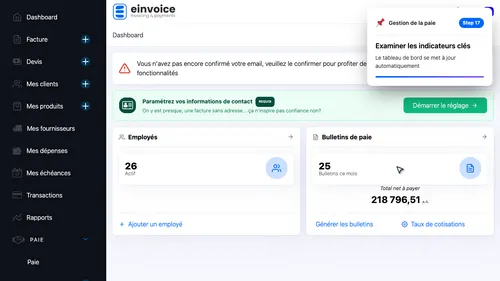 17
17
Payroll Management
Learn how to manage employees, generate payslips, and review your payroll dashboard
- Employee List — This is where you manage your workforce
- Add Employee — Each employee needs identity and salary details
- Employee Identity — The CIN is the national identity card number
- Social Security — Required for social security declarations
- Employment Details — Family status affects tax deductions
- Salary — This is the base salary before deductions
- Save the employee
- Employee Created — The new employee is now in the list
- Open Payslips — This is where you generate and manage payslips
- Generate Payslips — You can generate payslips for all employees at once
- Select Period — Payslips are generated per month for all active employees
- Generate the payslips
- Payslips Generated — Each employee now has a payslip for this period
- View PDF — This opens the payslip PDF preview
- Download Available — You can download the payslip as a PDF file
- Open Dashboard — See employee count, payslips generated, and total net pay
- Dashboard Summary — The dashboard updates automatically as you manage payroll
1 2 3 4 5 6 7 8 9 10 11 12 13 14 15 16 17